exact; it needs no provider credentials.
Set up the checkout
You need Python 3.11+, pip, Git, and Node.js with npm. The UI uses Next.js 16; use a supported Node.js version for that release.- macOS / Linux
- PowerShell
requirements.txt is another supported source-demo installation path.
Choose an offline or provider-backed run
Forexact, leave credentials unset. For other scenarios, create a root .env
file using .env.example as a starting point:
- macOS / Linux
- PowerShell
.env:
- OpenAI
- Gemini
gpt-4o-mini.
LOOPGUARD_OPENAI_MODEL overrides it..env; existing process environment values take precedence over the file.
semantic needs embeddings but no chat model. controlled_progress,
controlled_503, and controlled_401 need a chat model but no embeddings.
controlled_empty, calc, and trap need both. Provider-backed runs may incur
API charges; the trap scenario also performs real web searches.Start the backend
In a terminal at the repository root with the Python environment active:http://localhost:8000/runtime to see the selected providers and chat model.
This endpoint does not test credentials or model access.
Start the frontend
In a second terminal at the repository root: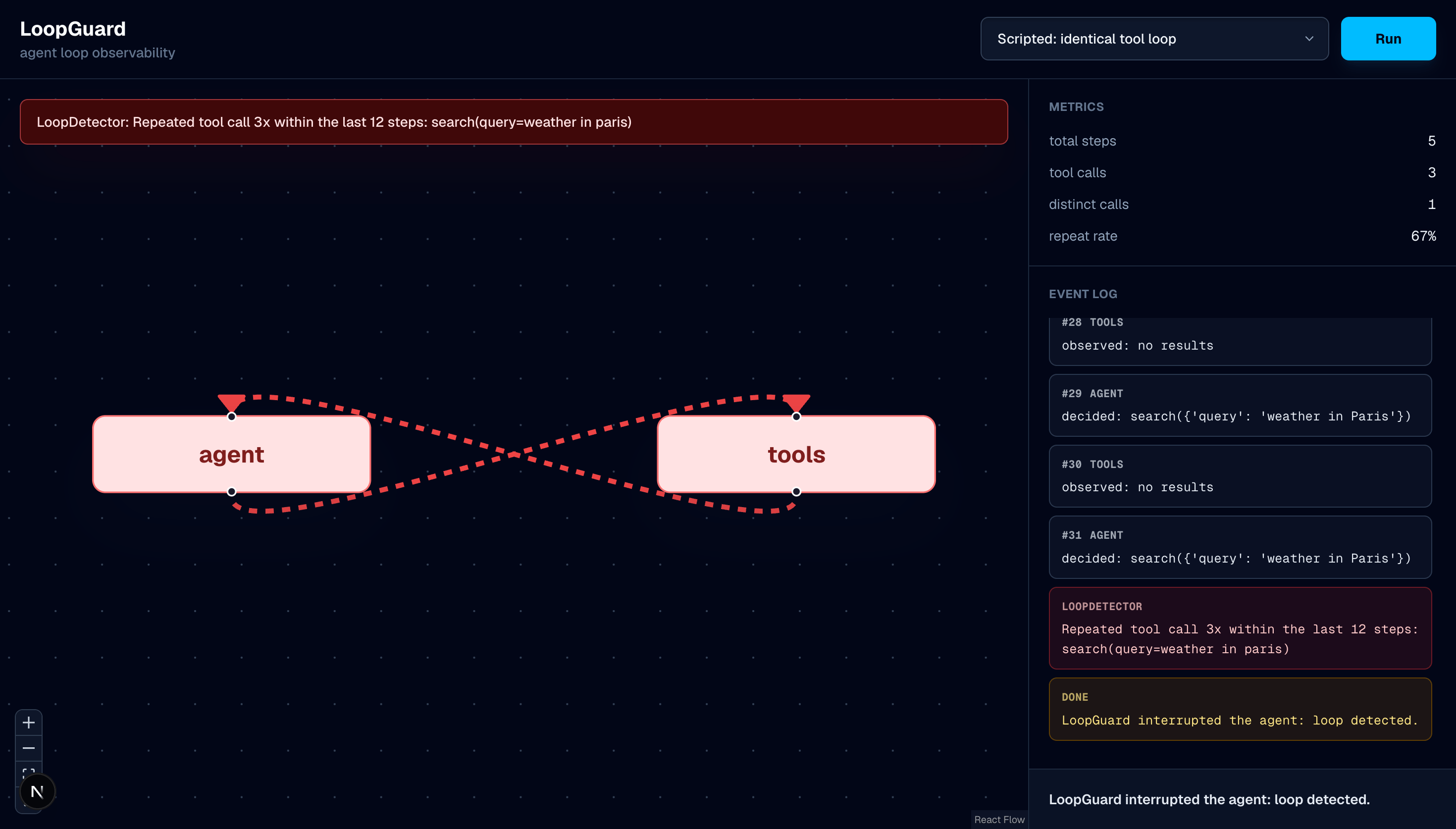
The graph, event log, and metrics show a stuck LoopGuard demo run.
Change the backend address
The frontend defaults tohttp://localhost:8000 and derives the WebSocket address
from it. To use a different backend, set NEXT_PUBLIC_LOOPGUARD_API in
ui/.env.local, then restart the frontend: